Homepage

The sites you use, neatly arranged on every new tab. Give work and home their own dashboards, and sync them through your browser account.

Coming to Chrome Coming to Firefox

Free, in English and Russian. Also works in Edge, Vivaldi, and Brave.

What it does

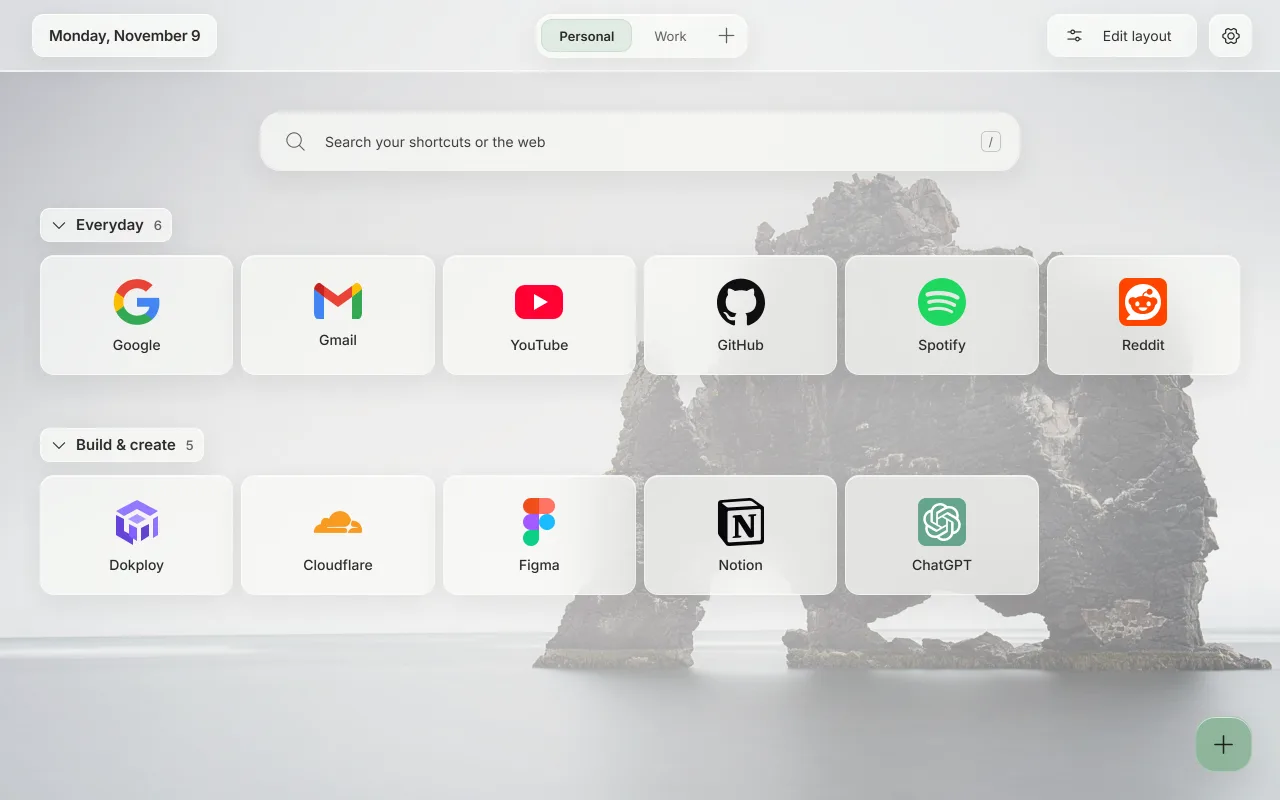
What your new tab looks like

Choose a light or dark theme and a background you like. Frosted tiles help the names stand out.
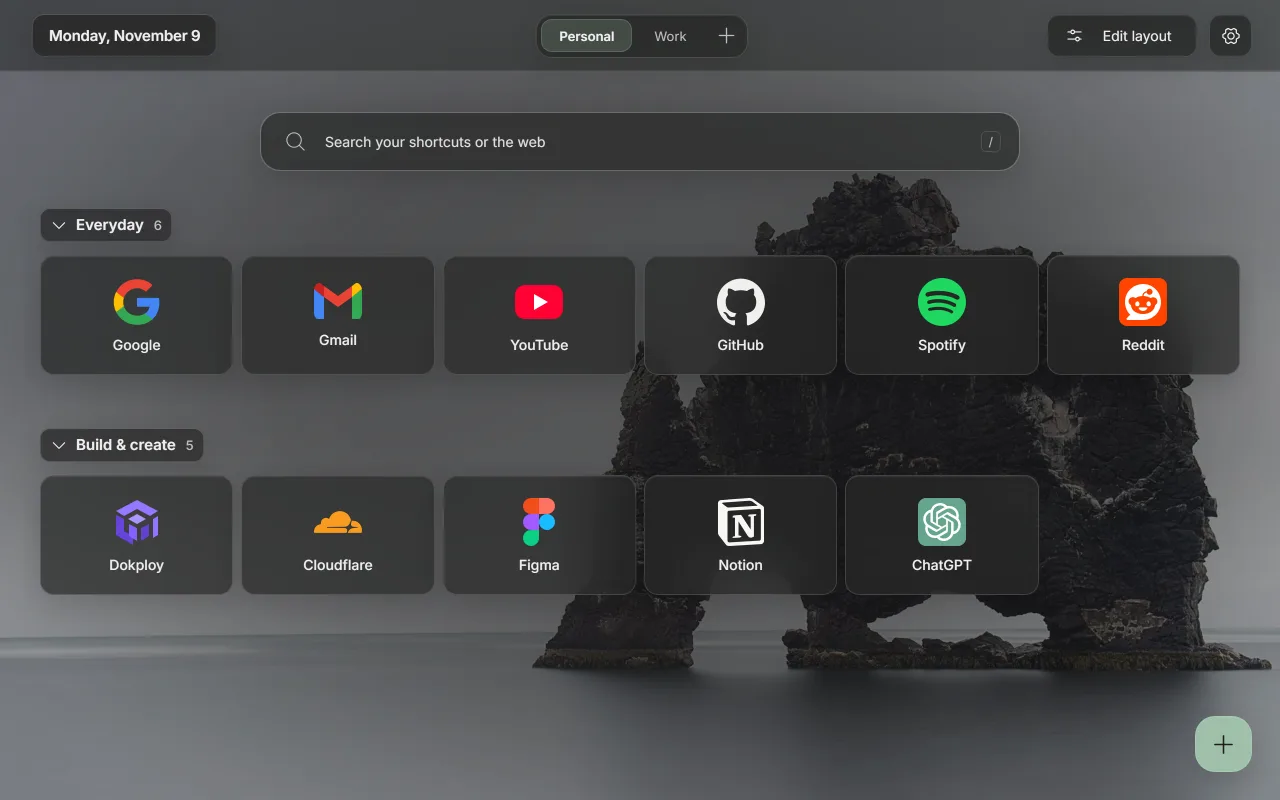
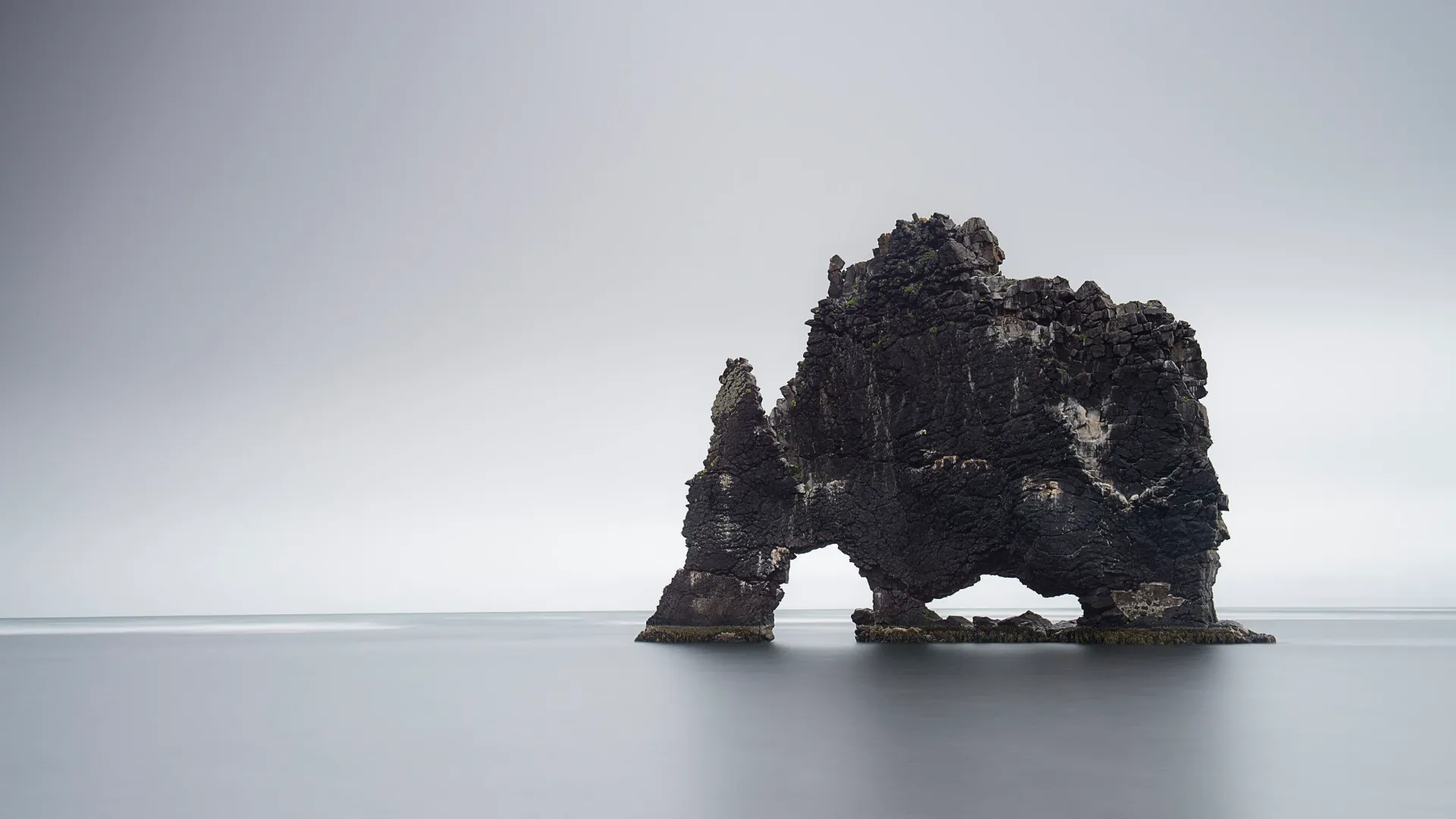
Homepage in the dark theme: sections of website tiles with logos, on a photo of a sea stack. Homepage in the light theme: sections of website tiles with logos, on a photo of a sea stack.
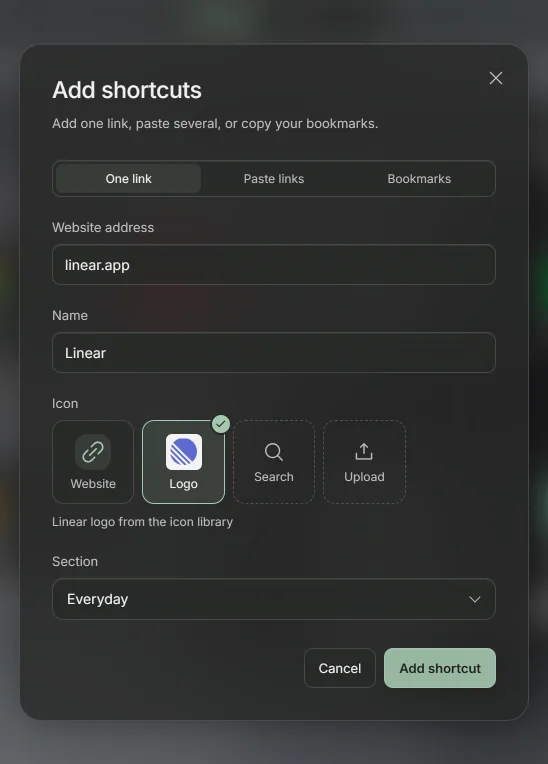
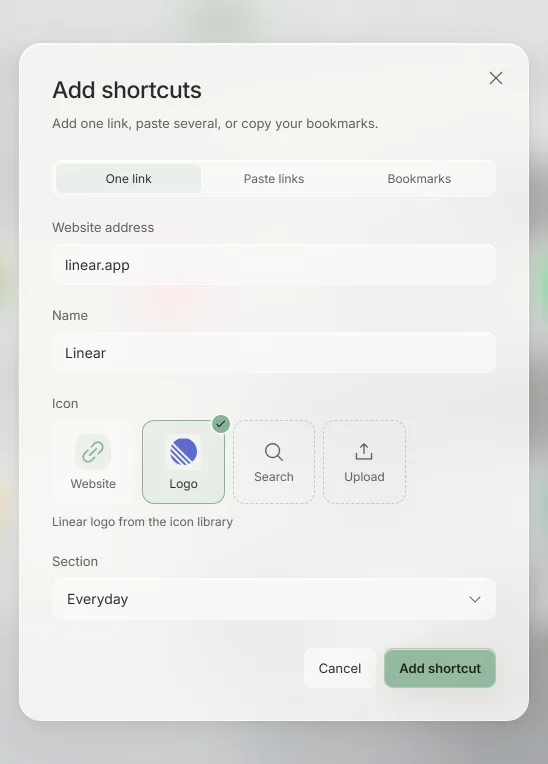
The Add shortcuts dialog with linear.app typed in and the Linear logo picked as the icon. The Add shortcuts dialog with linear.app typed in and the Linear logo picked as the icon.
Add a site and choose its icon. Use a matching logo or the site's own icon.
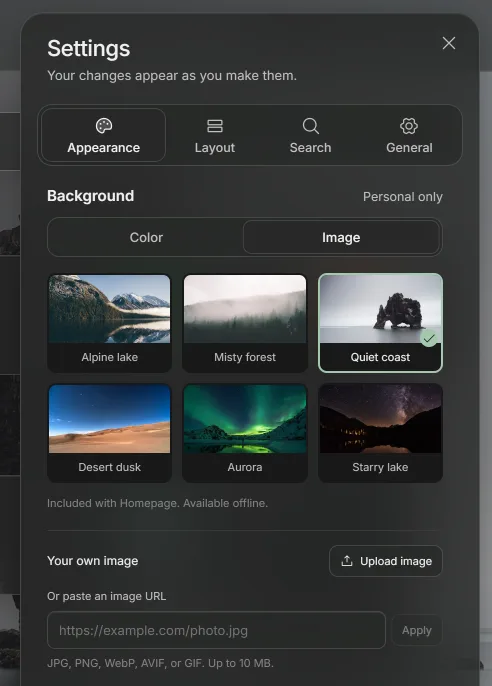
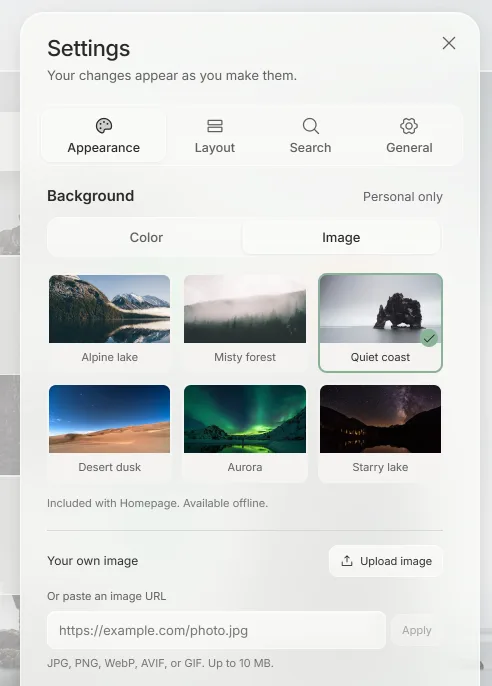
Settings showing the six photos that come with Homepage: Alpine lake, Misty forest, Quiet coast, Desert dusk, Aurora, and Starry lake. Settings showing the six photos that come with Homepage: Alpine lake, Misty forest, Quiet coast, Desert dusk, Aurora, and Starry lake.
Pick a photo or upload your own. Each dashboard can have a different one.
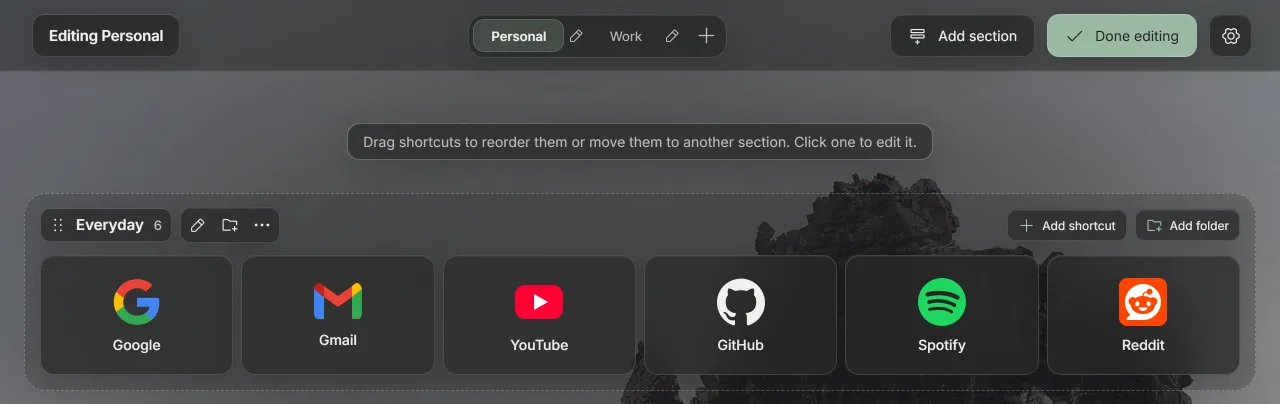
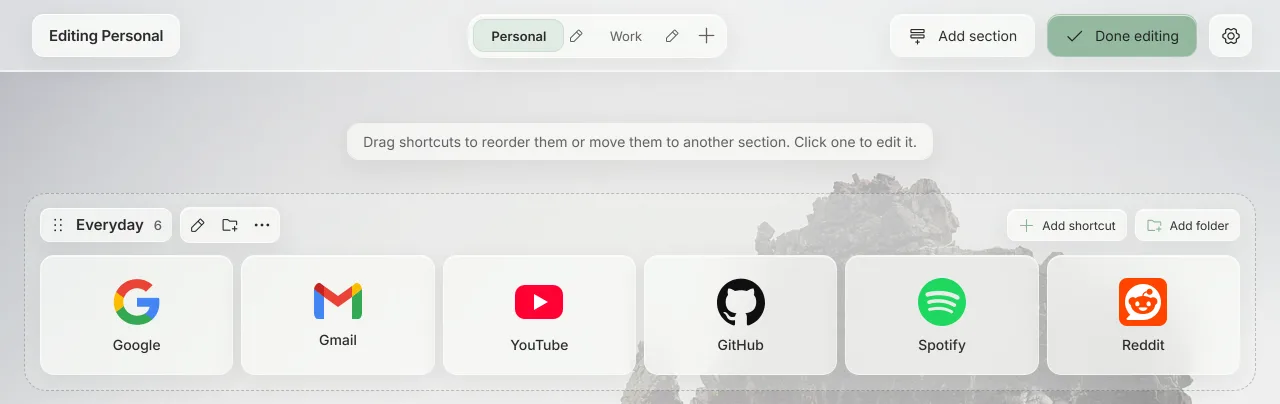
Editing a dashboard: each section becomes a tray of tiles, with buttons to add shortcuts and folders. Editing a dashboard: each section becomes a tray of tiles, with buttons to add shortcuts and folders.
Rearrange by dragging. Move shortcuts between sections and folders. Press Ctrl+Z (⌘+Z on Mac) to undo a change.

Nothing to sign up for

Read the privacy policy
No separate account
Use your browser account to sync. You don't need a separate Homepage account.
No tracking or ads
Homepage sends nothing to us. It has no analytics and shows no ads.
Works offline
Logos, background photos, and fonts are included in the extension.
Make your next new tab a quiet one

Coming to Chrome Coming to Firefox